Statuses
This page provides tools to search, display and manage statuses.
Data table
Statuses are displayed in a data table:
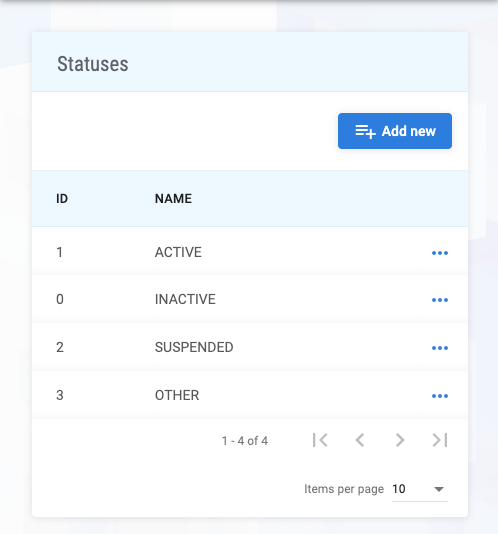
The following data table columns are available:
| Column | Description |
|---|---|
id | ID |
name | Name |
To manage a record, clicking on three dots at the end of a table row, shows a dropdown:

Form
Add new
A status can be created using Add new button.
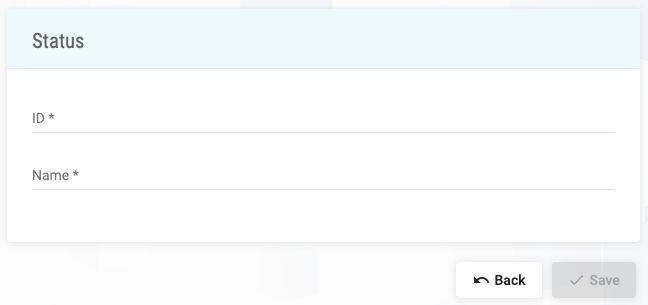
The following form fields are available:
| Field | Description | Required |
|---|---|---|
id | ID | ✓ |
name | Name | ✓ |
Save button is enabled only if form data are valid.
Edit
To edit a record, clicking on Edit dropdown option shows the form to edit data.
Delete
To delete a record, clicking on Delete dropdown option shows the confirmation dialog to delete data.
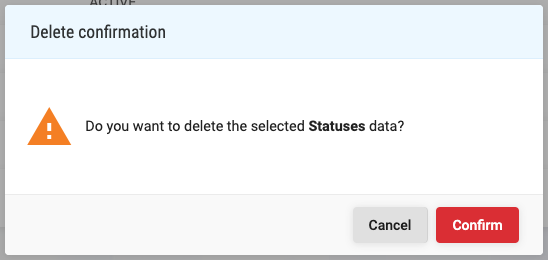
The data referenced by another entity cannot be deleted. Confirm button deletes the data.
Result
As a result of every succesesful action, the Information mesesage box is presented, with adequate mesesage.
On validation or constraints error, the Warning mesesage box is presented, with adequate mesesage.
On error, the Error mesesage box is presented, with adequate mesesage.