Operations
This page provides operations statistics in a chart format.
Chart
Operations statistics shows filtered number of operations.
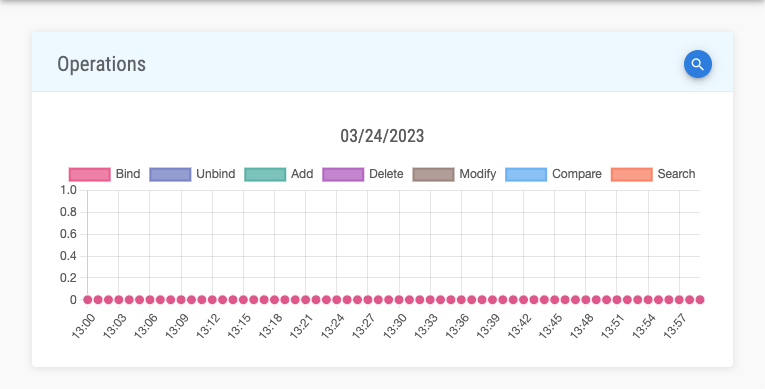
The following chart segments are available:
| Segment | Description |
|---|---|
Bind | Number of bind operations |
Unbind | Number of unbind operations |
Add | Number of add operations |
Delete | Number of delete operations |
Modify | Number of modify operations |
Compare | Number of compare operations |
Search | Number of search operations |
Filter
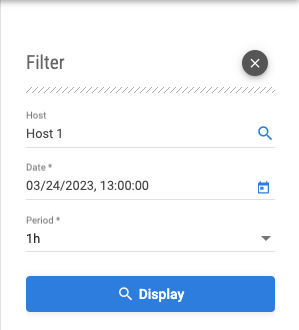
To filter operations statistics data, the following form fields are available:
| Field | Description | Value | Required |
|---|---|---|---|
Host | Choose host from autocomplete | * | |
Date | Choose date from date picker | MM/dd/yyyy, hh:mm:ss | ✓ |
Period | Choose period from dropdown | 1h | 6h | 12h | ✓ |
info
Asside from filtering data using form, chart period can be changed to previous or next, using panning buttons. These controls are displayed on chart hover.


tip
Hovering over chart labels shows tooltip containing detailed data for current moment in time.